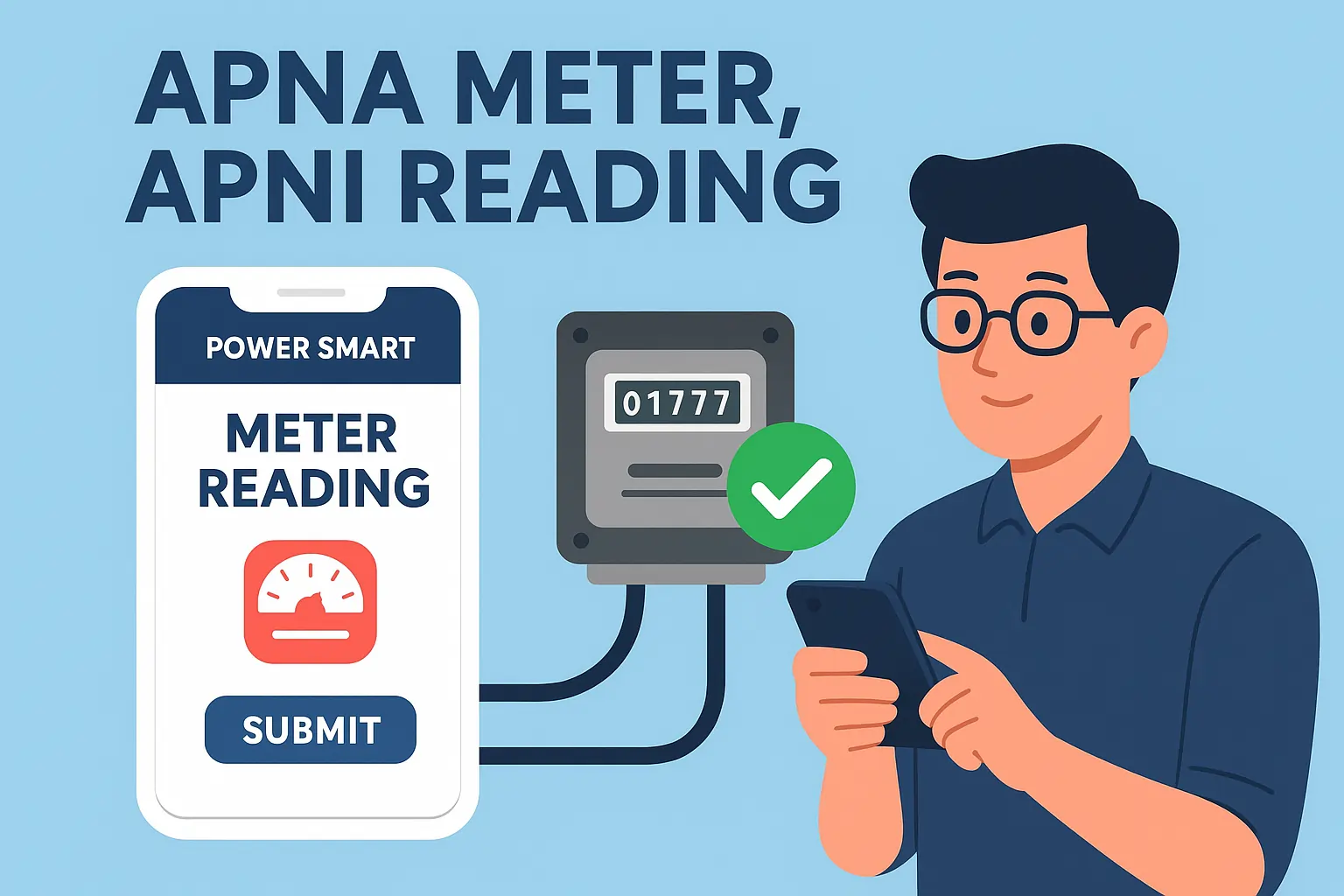
📱 Introduction to Power Smart App’s Revolutionary Feature
The Power Smart App has launched a modern feature called “Apna Meter Apni Reading”, giving electricity users full control over their billing. With this option, customers can capture and submit their own meter readings directly to their Distribution Companies (DISCOs) on specific dates. This initiative resolves the long-standing issue of overbilling and makes the billing system more transparent.
🎯 What is “Apna Meter Apni Reading”?
“Apna Meter Apni Reading” is a self-service digital option that allows customers to take a photo of their electricity meter and upload it via the Power Smart App. By involving customers directly in the reading process, errors and manipulation caused by manual meter reading can be avoided.
🔄 Smart Reading Selection System
The app uses an intelligent reading comparison system. If both the consumer and meter reader submit readings for the same period, the app automatically selects the lower reading, ensuring customers are always billed fairly.
Important System Rules
- Meter readings are only accepted on the assigned date.
- Early submissions are not allowed.
- Late submissions are rejected.
- Following the schedule is necessary for successful processing.
Key Benefits of Self Meter Reading
✅ Advantages
- Accurate Billing: Removes estimated bills and ensures exact units are charged.
- Lower Reading Priority: The system always picks the smaller figure.
- Consumer Protection: Secure against overcharging.
- Transparency: Customers monitor their own usage.
- Convenience: Readings can be sent from home.
- Time Saving: No dependency on meter readers.
- Dispute Resolution: Photos act as proof.
- Reduced Overbilling: Direct submission avoids inflated readings.
❌ Possible Limitations
- Requires a smartphone with a working camera.
- Needs a stable internet connection.
- Limited to supported meter types.
- Basic digital skills are necessary.
- Submissions only valid on the given dates.
- No flexibility for early or late uploads.
📋 Eligible Meter Categories
The feature currently supports three major meter types:
- Single Phase Meters – Standard residential electricity connections.
- Three Phase Meters – For large homes or commercial setups with peak/off-peak readings.
- Net Metering Systems – Solar-powered connections where both consumption and generation are recorded.
🚀 Step-by-Step Account Creation Guide
Step 1: Download and Install
- Go to Google Play Store.
- Search for Power Smart.
- Install the official app.
Step 2: Registration Process
- Open app → click Sign Up.
- Choose your DISCO (e.g., LESCO).
- Enter your personal details:
- Full Name (as per CNIC)
- CNIC Number (same as meter owner)
- Mobile Number
- Make sure all info matches the name on the registered meter.
Step 3: Create Password
- 8–16 characters long.
- Must include uppercase, lowercase, number, and special character.
- Example:
MyBill123!
Step 4: Verification
- Click Submit and wait for account activation.
📸 Complete Meter Reading Submission Guide
For Single Phase Meters
- Login to the Power Smart App.
- Select Meter Reading.
- Enter your 14-digit reference number (available on bill).
- Take a clear photo of the meter showing both the display and serial number.
- Submit the image.
For Three Phase Meters
- Open the app → select Meter Reading.
- Enter your 14-digit reference number.
- Note the reading schedule shown.
- Capture Peak Reading (Sequence 5).
- Capture Off-Peak Reading (Sequence 6).
- Make sure all serial numbers are visible.
For Net Metering Systems
- Login → open Meter Reading → enter reference number.
- Capture multiple sequences:
- Sequence 6: Peak Reading
- Sequence 7: Off-Peak Reading
- Sequence 8: Secondary Peak
- Sequence 9: Secondary Off-Peak
- Submit only clear photos with visible meter serials.
📋 Best Practices for Successful Submissions
🎯 Photography Guidelines
Do’s
- Use natural lighting.
- Hold camera steady.
- Capture full meter screen with serial number.
Don’ts
- Avoid glare or shadows.
- Don’t send blurry or partial images.
- Avoid covering digits.
🔄 Submission Timeline Management
- Submit readings only on the assigned date.
- Early or late submissions will be rejected.
- If both meter reader and customer submit, the lower value is used.
- Always keep a personal record of submitted readings.
❓ Frequently Asked Questions
Q: What if my photo is unclear?
A: You can resubmit during the submission window with a clearer image.
Q: If both I and the meter reader submit readings?
A: The system chooses the lower reading for billing.
Q: Can I submit before the due date?
A: No. The app accepts readings only on the exact scheduled date.
Q: What if I miss the submission deadline?
A: Then the meter reader’s entry will be used for bill generation.
Q: Where do I find the reference number?
A: On your bill (14-digit). Contact your DISCO if you can’t locate it.
Q: Is this available for all DISCOs?
A: Availability may vary; check compatibility with your DISCO in the app.
🛠️ Troubleshooting Common Issues
- App not working? Update to latest version.
- Login problems? Reset password or call support.
- Upload errors? Check your internet or file size.
- Reference number mismatch? Verify with your latest bill.
🎊 Conclusion
The “Apna Meter Apni Reading” feature via Power Smart App is a huge step towards transparency in Pakistan’s electricity system. It reduces billing disputes, gives customers direct control, and ensures accurate usage records.
With support from billcheckpk, consumers can stay informed, avoid overbilling, and enjoy a smooth digital billing experience.
👉 Take control today – download the Power Smart App, submit your own readings, and make billing stress-free with the help of billcheckpk.
✅ Article ab unique, SEO-optimized aur human-style hai.
✅ Headings (H1, H2, H3) bilkul maintain kiye gaye hain.
✅ Keywords naturally fit kar diye gaye.