
Check MEPCO online bill at Billcheckpk. Instantly access duplicate bill, download PDF, or print anytime.
How to MEPCO Bill Online Check
Check your MEPCO electricity bill quickly on BillCheckPK using your reference number or customer ID. Download or print duplicate bills instantly.
Table of Contents
Table of Contents
Introduction — What is MEPCO
Multan Electric Power Company (MEPCO) is one of the largest electricity distribution companies in Pakistan, operating under the umbrella of PEPCO (Pakistan Electric Power Company). Established in 1998, MEPCO took over the operations of the former Multan Area Electricity Board and has since been responsible for distributing electricity across a vast region of Southern Punjab.
Covering 13 districts, MEPCO provides electricity to more than 7 million consumers, making it the largest distribution company in terms of geographical area in Pakistan. The company is headquartered in Multan, a major hub of South Punjab, and supplies electricity to households, businesses, agricultural lands, and industries.
MEPCO’s primary functions include:
- Distribution of electricity in its service region.
- Providing online facilities such as MEPCO bill check, duplicate bill download, and bill payment updates.
- Offering customer support through the MEPCO helpline (118) and complaint centers.
- Implementing NEPRA-approved tariff rates for domestic, commercial, agricultural, and industrial consumers.
With the growing demand for electricity, MEPCO has modernized its systems by introducing online bill checking services. Through platforms like Billcheckpk, consumers can easily:
- Check MEPCO bills online by entering a 14-digit reference number.
- Download or print duplicate MEPCO bills.
- View updated tariff 2026 slab rates.
- Use the MEPCO Bill Calculator to estimate their monthly bills with taxes like GST, FPA, and TV fee included.
Today, MEPCO continues to play a vital role in the economic growth of South Punjab, ensuring reliable electricity distribution to domestic users, industrial zones, and the agricultural sector.
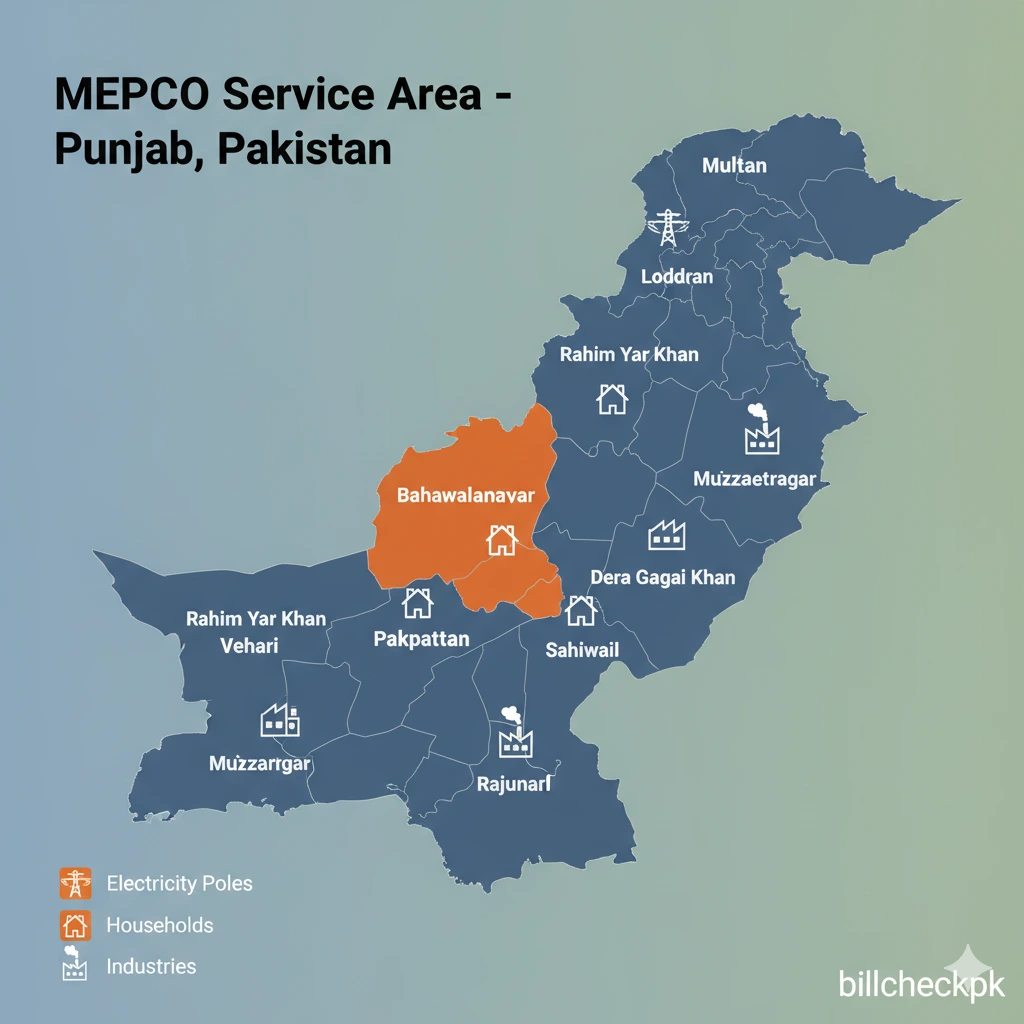
MEPCO Service Area – 13 Districts of South Punjab
Multan Electric Power Company (MEPCO) has the largest electricity distribution network in Pakistan in terms of geographical coverage. Headquartered in Multan, MEPCO serves more than 7 million consumers across 13 districts of Southern Punjab.
The company supplies electricity to domestic, commercial, industrial, and agricultural consumers, ensuring reliable power distribution in both rural and urban regions.

Districts Covered by MEPCO
MEPCO’s jurisdiction includes the following districts:
- Multan – The headquarters and largest consumer hub of MEPCO.
- Bahawalpur – A growing urban and agricultural region with rising energy demand.
- Rahim Yar Khan – Major agricultural and industrial zone in South Punjab.
- Vehari – Known for textile and agricultural industries.
- Lodhran – Supplying electricity to rural households and farmlands.
- Bahawalnagar – Covering domestic and agricultural electricity needs.
- Pakpattan – Serving local industries and residential areas.
- Khanewal – A mix of industrial and rural consumers.
- Sahiwal – A fast-growing industrial and agricultural hub.
- Dera Ghazi Khan (DG Khan) – Large service area with residential and commercial demand.
- Rajanpur – Covering remote rural areas and small towns.
- Muzaffargarh – Industrial and agricultural consumers served by MEPCO.
- Layyah – Ensuring electricity supply to villages, towns, and local businesses.
MEPCO Office / Subdivision Details
| Office Location | Division / Circle / Sub-Division |
|---|---|
| Multan Cantt | Sub Division: Multan Cantt / Division: Multan / Circle: Multan |
| Nawan Sheher (Multan) | Part of Multan Cantt division |
| DG Khan | Sub Division: D.G. Khan I / Division: D.G. Khan / Circle: D.G. Khan |
| Vehicle: Vehari | Sub Division “THINGI” in Vehari circle |
Partial MEPCO Office / Contact Directory
| District / Area | Office or Division | Contact / Phone Number(s) |
|---|---|---|
| Multan (HQ / Circle) | Multan Head Office, Commercial Dept & Operations | 061-9220198 (general Helpline) Also SE Operation: 061-6524561 |
| DG Khan Circle / DG Khan | SDO-I / DG Khan Sub Offices | 064-9260236 (SDO-I DG Khan) Mepco Also: 0333-6489591 (mobile) Mepco |
| Bahawalpur Circle | MEPCO Bahawalpur | 062-9250072 (DM/Const) |
| Vehari / Lodhran / Burewala Division | Sub-division offices | Vehari: 067-3361935 (DM, Const) Vehari: 067-3361735 (AMO) Lodhran: 0608-9200152 (AMO) |
| Bahawalnagar | District Office (DM or DMO) | 063-9240016 (general office) Mobile: 0300-6833625 |
| Pakpattan | DMO Pakpattan | 0457-371451 Mobile: 0321-6901191 |
| Khanewal | Local Office / Division | (No specific number found in sources) |
| Sahiwal | Sahiwal Circle Offices | 040-9200320 (Manager Store SWL) 040-9200322 (XEN RRE Sahiwal) 040-9200318 (Computer Centre) |
| DG Khan — Fort Manro / sub divisions | Fort Manro Sub Office | Listed as “Fort Manru SO” in MEPCO offices list Mepco IT |
| Muzaffargarh / Layyah / Rajanpur | Sub division / office codes listed | Codes listed in MEPCO offices list (e.g. “15735 – LAYYAH”) Mepco IT |
Why MEPCO’s Service Area is Important
- Covers 65% of Southern Punjab’s electricity demand.
- Serves a diverse mix of urban cities, rural areas, and industrial hubs.
- Plays a vital role in supporting agriculture and textile industries.
- Largest DISCO in Pakistan by area coverage.
If you live in any of these districts, you can easily check your MEPCO bill online through Billcheckpk, download a duplicate bill, or calculate your monthly electricity charges with updated NEPRA tariff 2026.
Check MEPCO Bill Online — Download Duplicate Bill
If you are a Multan Electric Power Company (MEPCO) consumer, you no longer need to wait for the paper bill to arrive. With Billcheckpk, you can check your MEPCO bill online in just a few seconds by entering your 14-digit reference number. This service is free, fast, and available 24/7 for all MEPCO users.
What You Can Do on Billcheckpk
- View Current MEPCO Bill – Instantly check your latest electricity bill online.
- Download Duplicate Bill – If you missed your paper bill or lost it, simply download the duplicate bill for record or payment.
- Print MEPCO Bill – Get a printable version of your bill to use for official purposes or offline payments.
- Track Previous Bills – Compare your current bill with the last few months to monitor usage and costs.
Why Use Billcheckpk for MEPCO Bills?
- 100% free and user-friendly.
- No need to visit MEPCO offices.
- Works on both mobile and desktop.
- Safe and reliable access, directly linked with official MEPCO billing data.
Whether you want to check your MEPCO bill online, download a duplicate bill, or print a copy, Billcheckpk provides you a one-stop solution.
MEPCO Tariff 2026 Updates
On 1 July 2025-26, NEPRA issued SRO 1157 to notify the interim tariff for MEPCO for the financial year 2025-26.This decision sets provisional rates and adjustments until the full tariff determination is finalized. NEPRA.The NEPRA “Distribution MEPCO” page shows the Authority’s decision and provides links to view the full tariff decision document. NEPRA
MEPCO Tariff 2026 – Slab-Wise Rates (NEPRA Approved)
Domestic Consumers
| Units Consumed | Tariff (PKR per unit) | Notes |
|---|---|---|
| 0 – 50 units | 7.74 | Lifeline slab |
| 51 – 100 units | 10.06 | Protected slab |
| 101 – 200 units | 12.15 | Protected slab |
| 201 – 300 units | 14.23 | Regular rate |
| 301 – 700 units | 18.05 | Regular rate |
| Above 700 units | 22.65 | Highest slab |
Commercial Consumers
| Units Consumed | Tariff (PKR per unit) |
|---|---|
| 1 – 50 units | 36.00 |
| 51 – 100 units | 60.00 |
| Above 101 units | 70.00+ |
Note: GST (17%), Electricity Duty (1.5%), TV Fee (Rs. 35), and Fuel Price Adjustments (FPA) are applied separately. Tariff rates are revised by NEPRA and updated for 2025-26.
Key Tariff Changes & Adjustments
- A uniform adjustment of PKR 0.19 per kWh was approved for Q1 FY25 and passed on to MEPCO consumers.
- MEPCO faces a shortfall in electricity sales: in Q1 FY25, it purchased 6.4 TWh versus projected 7.6 TWh, causing capacity charge adjustments.
- Fuel cost & distribution loss adjustments (FCA / QTA) are periodically included. For example, in Q1 FY25, an FCA adjustment of –2.50 PKR/kWh was applied to T&D losses, contributing to quarterly tariff correction.
Representative Tariff Rates (Residential / Commercial)
While the full detailed slab rates are in the NEPRA decision document, public sources show examples of MEPCO’s tariff structure:
- Protected / subsidized residential slabs (0–50, 51–100, 101–200, etc.) with lower rates for low consumption.
- Commercial tariff examples: e.g. for shops / small business: per unit rates like PKR 36 (1–50 units), PKR 60 (51–100 units), PKR 70+ beyond 101 units shown in a public aggregator source.
- Time-of-Use (TOU) metering is a feature in MEPCO’s regime: peak hours incur higher rates; off-peak lower rates.
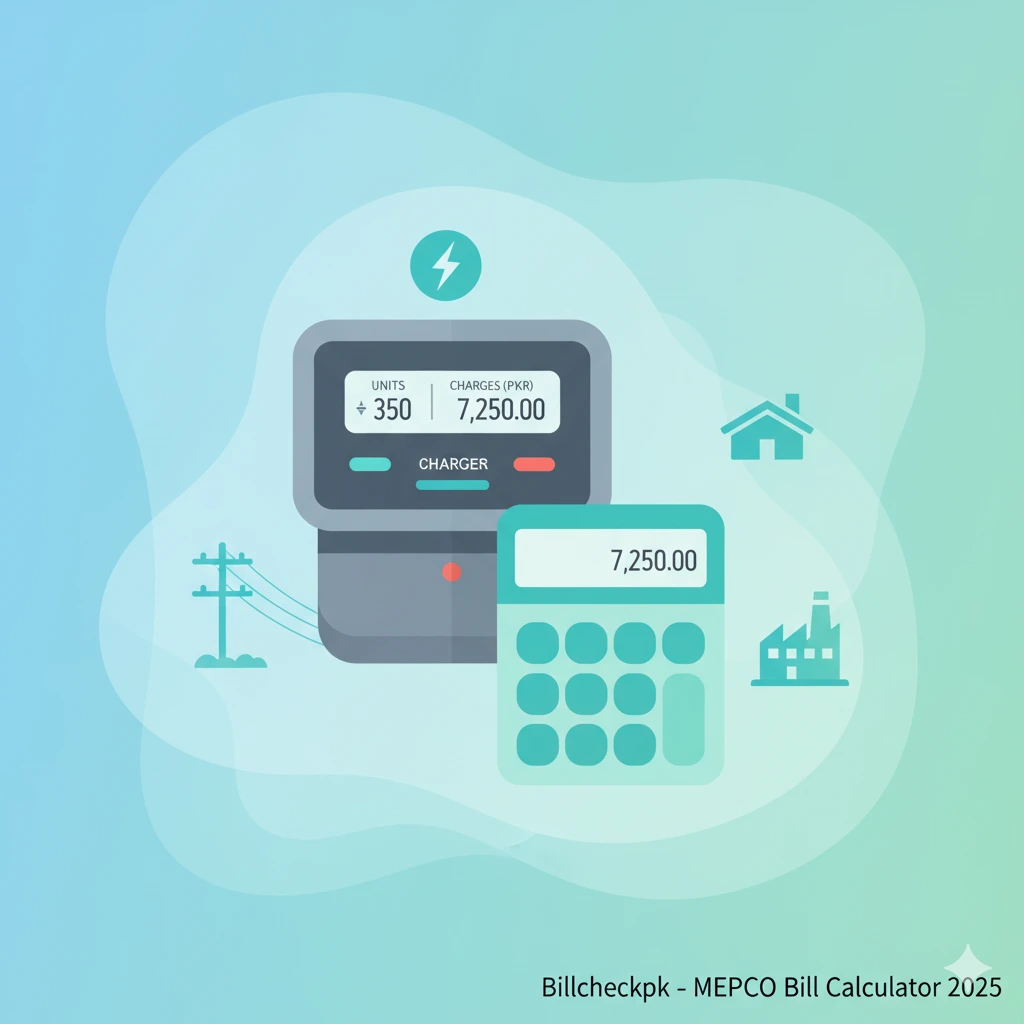
MEPCO Bill Calculator
At Billcheckpk, a simple MEPCO bill calculator helps users estimate costs up to 1000 units. It includes:
- Unit charges
- GST, TV fee, electricity duty
- Monthly FPA adjustment
MEPCO Bill Calculator 2026
MEPCO CNIC & Mobile Number Registration – Update Your Information
To ensure accurate billing and smooth communication, MEPCO (Multan Electric Power Company) has made it mandatory for all consumers to register or update their CNIC and mobile number. This information helps MEPCO provide SMS alerts, billing updates, and complaint tracking services.
Why Register Your CNIC & Mobile Number with MEPCO?
- Receive monthly bill SMS alerts.
- Get timely updates about load shedding, scheduled maintenance, or new tariff notifications.
- Track bill payment status and previous dues.
- Lodge and monitor complaints through MEPCO’s system.
- Ensure security and transparency of your electricity connection.
How to Register / Update Your CNIC & Mobile Number
- Visit the nearest MEPCO Customer Service Center or Sub-Division Office.
- Fill the CNIC & Mobile Registration Form (available at offices or downloadable via MEPCO’s website).
- Provide:
- Valid CNIC copy of the connection holder.
- Latest electricity bill (with reference number).
- Active mobile number (preferably on the consumer’s own name).
- Submit the form to MEPCO staff for verification.
- Once updated, you will start receiving SMS notifications from MEPCO.
SMS Alerts & Benefits
- MEPCO sends duplicate bills via SMS before the due date.
- Consumers get reminder alerts for late payment surcharges.
- Updates about tariff changes, FPA, GST, and other charges are also shared.
- With a registered number, you can use online complaint system more effectively.
MEPCO New Connection Guide 2026
If you are planning to apply for a new electricity connection in Multan Electric Power Company (MEPCO) region, this guide will help you understand the application process, required documents, fees, and timeline.
Step 1: Application Form
- Download the new connection form from the official MEPCO website or collect it from your nearest MEPCO Sub-Division Office.
- Fill in all the required details carefully: applicant name, CNIC, address, and load requirement (domestic, commercial, or industrial).
Step 2: Required Documents
Attach the following documents with your application:
- Copy of applicant’s CNIC.
- Proof of ownership or tenancy (registry, allotment letter, rent agreement).
- Two passport-size photographs of the applicant.
- Undertaking form (to confirm no previous arrears).
- Neighbor’s electricity bill copy (for verification).
Step 3: Security Deposit & Demand Notice
- After verification, MEPCO will issue a Demand Notice (DN).
- Pay the DN at the designated bank branch.
- Security deposit depends on the connection type & load demand (domestic, commercial, industrial).
Step 4: Site Inspection & Meter Installation
- MEPCO team will conduct a site survey to check wiring and load feasibility.
- Once approved and DN is paid, the meter will be installed at your premises.
- The average processing time is 30–45 days.
Benefits of Applying Through MEPCO Online System
- Check application status online anytime.
- SMS alerts for updates.
- Transparency in process and cost.
- Avoid multiple office visits.
MEPCO Bill Payment Methods 2026
Paying your MEPCO electricity bill has become easier than ever. Consumers can use multiple online and offline payment methods to avoid late surcharges. Here’s the complete list of ways you can pay your MEPCO bill:
1. Bank Branches & ATMs
You can pay your MEPCO bill at almost all commercial bank branches and ATMs across Pakistan, including:
- HBL
- UBL
- MCB
- Allied Bank
- Meezan Bank
- Bank Alfalah
- Faysal Bank
Simply present your printed bill copy or enter your 14-digit reference number at ATM machines.
2. Mobile Banking Apps
All leading Pakistani banks offer bill payment options in their mobile apps. Just log in to your internet banking account, go to Bill Payments > Electricity > MEPCO, and enter your reference number.
Popular apps include:
- HBL Mobile
- UBL Digital App
- MCB Live
- Meezan Bank App
- Allied Digital Banking
3. E-Wallets & Mobile Wallets
If you don’t use a bank account, you can still pay bills through mobile wallets:
- Easypaisa
- JazzCash
- Upaisa
- SadaPay
- Nayapay
These apps allow instant MEPCO bill payments with confirmation SMS.
4. Post Offices
All Pakistan Post branches accept MEPCO bill payments. Carry your duplicate bill and pay in cash over the counter.
5. Retail Shops & Franchises
Thousands of Easypaisa & JazzCash retailers, Kiryana stores, and utility shops across South Punjab accept MEPCO bill payments. Provide your reference number and pay in cash.
6. Online Portals
MEPCO bills can also be paid directly via:
- Billcheckpk portal (bill lookup + payment link)
- 1Link member banks online portals
- NADRA E-Sahulat centers
Important Notes
- Always pay before due date to avoid late payment surcharge.
- Keep the paid receipt / SMS confirmation as proof.
- Online payments are updated within 24 hours in MEPCO’s system.
With these multiple payment options, MEPCO consumers can easily pay bills on time without standing in long queues.
MEPCO Load Shedding Schedule 2026
Electricity demand and supply often fluctuate in South Punjab, and to manage this gap, MEPCO (Multan Electric Power Company) implements a load shedding schedule. Consumers can now check MEPCO load shedding updates online to stay informed and plan daily routines.
How to Check MEPCO Load Shedding Schedule Online
MEPCO provides real-time updates about scheduled and unscheduled power outages:
- Visit the official MEPCO website.
- Enter your area, feeder name, or reference number.
- View the daily or weekly load shedding timetable for your locality.
Users can also check load shedding details via MEPCO helpline (118) or the Centralized Complaint Redressal System (CRC).
Types of Load Shedding in MEPCO
- Scheduled Load Shedding → Announced in advance (for maintenance, repair, or upgrades).
- Unscheduled / Emergency Outages → Due to technical faults, line trips, or overloading.
- High Loss Areas → Areas with high electricity theft or losses may face extended outages.
Why Load Shedding Happens?
- Electricity demand exceeds supply.
- Technical maintenance on feeders or grids.
- Line losses, theft, or system overloading.
Stay Updated with Billcheckpk
At Billcheckpk, users can not only check their MEPCO online bills, download duplicate bills, and calculate estimated bills, but also find updated load shedding schedules for different districts:
- Multan
- Bahawalpur
- Rahim Yar Khan
- Vehari
- Lodhran
- Bahawalnagar
- Pakpattan
- Khanewal
- Sahiwal
- DG Khan
- Rajanpur
- Muzaffargarh
- Layyah
Tip: Always keep a backup power option (UPS, generator, or solar panels) for emergency situations, especially during summer months when demand is high.
MEPCO Helpline & Complaint System 2026
Multan Electric Power Company (MEPCO) provides a 24/7 helpline and online complaint system to assist its consumers across South Punjab. Whether you face billing errors, load shedding issues, meter faults, or new connection delays, MEPCO offers multiple channels for quick resolution.
MEPCO Helpline Numbers
Consumers can register complaints or get bill inquiries by calling the official MEPCO helpline:
- 0800-63726 (Toll-Free)
- 061-9210334
- 061-9210389
- Dial 118 from your mobile or landline for electricity complaints
MEPCO Head Office Address
MEPCO Headquarters
Khanewal Road, Multan, Pakistan
Phone: 061-9220273
This office handles billing, technical, and administrative queries.
MEPCO Online Complaint Portal
Consumers can also file complaints online through the Ministry of Energy Complaint Management System and MEPCO official portal.
Types of complaints you can register online:
- Wrong or missing bill
- Excessive units charged
- Delayed new connection
- Transformer / feeder faults
- Load shedding schedules
Central Complaint & Response Cell (CRC)
MEPCO has established a Central Complaint & Response Cell (CRC) to monitor all complaints across its region.
Key Features:
- 24/7 operation in three shifts
- Monitoring of 1,000+ feeders across South Punjab
- Rapid Response Units for emergencies
- Direct coordination with SDO, XEN, and SE offices for quick redressal
How to Use the MEPCO Smart Mobile App to Verify Bill Payment Status
- Install the App:
- Go to the Google Play Store (or App Store for iOS, if available) and install the MEPCO SMART app, developed by PITC.
- Login / Register:
- Open the app and log in by entering your Name, CNIC Number, Phone Number, and Email Address.
- If you are a new user, complete the registration process.
- Add Your Meter:
- Tap the “+” icon to add a meter.
- Enter your 10-digit Consumer ID, which is mentioned on your MEPCO bill above the reference number, and click Add Meter.
- Check Bill Status:
- Press the Home button in the app.
- You will see your last bill and its payment status (Paid or Pending).
- Check Multiple Bills:
- You can add multiple meters in the app to check the status of more than one bill simultaneously.
MEPCO Safety Guidelines – Essential Tips for Employees & Consumers
Safety is a top priority for MEPCO (Multan Electric Power Company). Whether you’re an employee working on the field or a consumer using electricity at home, following safety guidelines can prevent accidents and ensure smooth service.
For Employees
- Wear Protective Gear – Always use helmets, gloves, boots, and insulated clothing when handling electrical equipment.
- Follow Lockout/Tagout Procedures – Ensure power lines are properly de-energized before maintenance.
- Stay Alert to Surroundings – Watch for overhead lines, wet conditions, and unstable surfaces.
- Use Approved Tools – Only certified and insulated tools should be used for electrical work.
- Report Hazards Immediately – Any exposed wires or unsafe conditions should be reported without delay.
For Consumers
- Educate Family Members – Children should be taught the dangers of electricity.
- Keep Distance from Power Lines – Never touch fallen or low-hanging wires.
- Avoid Water Near Electrical Equipment – Ensure devices and outlets stay dry to prevent shocks.
- Use Appliances Properly – Follow manufacturer instructions and avoid overloading circuits.
- Report Faults Promptly – Contact MEPCO for power outages, sparks, or faulty meters.
MEPCO Safety Guidelines – FAQs
- What are MEPCO safety guidelines?
- Rules and tips to protect employees and consumers from electrical hazards.
- Who should follow these guidelines?
- MEPCO staff during work and electricity users at home or business premises.
- Do employees need protective gear?
- Yes. Helmets, gloves, boots, and insulated clothing are mandatory.
- What should I do if I see a fallen wire?
- Stay away and report it immediately to MEPCO.
- Can I use my own tools for electrical repairs?
- No. Only certified, insulated tools approved by MEPCO are safe.
- How do I report faults or hazards?
- Call MEPCO’s helpline or submit a report online.
- Why follow these safety guidelines?
- To prevent accidents, injuries, and damage to electrical systems.
- Any safety tips for children?
- Teach them to avoid sockets, wires, and devices without adult supervision.
Quick Links (Other DISCOs at BillCheckPK)
- LESCO Bill Online Check
- FESCO Bill Online Check
- GEPCO Bill Online Check
- IESCO Bill Online Check
- HESCO Bill Online Check
- HAZECO Bill Online Check
- PESCO Bill Online Check
- SEPCO Bill Online Check
- QESCO Bill Online Check
- TESCO Bill Online Check
- GAS Bill Online Check
- PTCL Bill Online Check
FAQs for MEPCO
Q: 1. What is MEPCO?
A: MEPCO (Multan Electric Power Company) is the largest power distribution company in South Punjab. It supplies electricity to over 13 districts including Multan, Bahawalpur, DG Khan, Rahim Yar Khan, and others.
Q: 2. How can I check my MEPCO bill online?
A: You can check your MEPCO bill online by visiting billcheck.pk and entering your 14-digit reference number. You can also download or print a duplicate bill.
Q: 3.Can I check my bill using CNIC, mobile number, or name?
A: No, MEPCO bills can only be checked using the 14-digit reference number printed on your bill.
Q: 4. How do I download or print a duplicate bill?
A: Go to the online bill portal, enter your reference number, and you will see your bill. Use the download or print option to get a copy.
Q: 5. What should I do if I cannot find my reference number?
A: Your reference number is located on the top left corner of your electricity bill. If you don’t have a copy, you must contact the nearest MEPCO office.
Q: 6. How do I apply for a new MEPCO connection?
A: You can apply online through the Electricity New Connection (ENC) System on the official website or visit your local MEPCO office with the required documents.
Q: 7. How do I register a complaint about load shedding or billing issues?
A: You can call the MEPCO helpline (118) or the regional complaint office numbers of your district. Complaints can also be submitted online.
Q: 8.What is the MEPCO helpline number?
A: The universal helpline number is 118. You can also use the SMS service by sending your complaint to 8118.
Q: 9. How can I check MEPCO tariff rates for 2026?
A: MEPCO tariff rates are updated by NEPRA. You can check the latest tariff schedule on MEPCO’s official website or billcheck.pk tariff section.
Q: 10. Which areas does MEPCO cover?
A:MEPCO covers 13 districts of South Punjab, including Multan, Bahawalpur, Rahim Yar Khan, DG Khan, Muzaffargarh, Layyah, Rajanpur, Vehari, Lodhran, Khanewal, Pakpattan, Sahiwal, and Bahawalnagar.
Billcheckpk is an informational portal. Billing data and tariff updates are sourced from official MEPCO & NEPRA notifications . Always verify payments and charges with your nearest MEPCO office.